 TuneDrop
Coming soon to iPhone
TuneDrop
Hear it. It's on YouTube.
Tap once when a song is playing. TuneDrop recognises it and saves it straight to your YouTube Liked videos, or any playlist you choose.
€1.99, one time. No subscription.
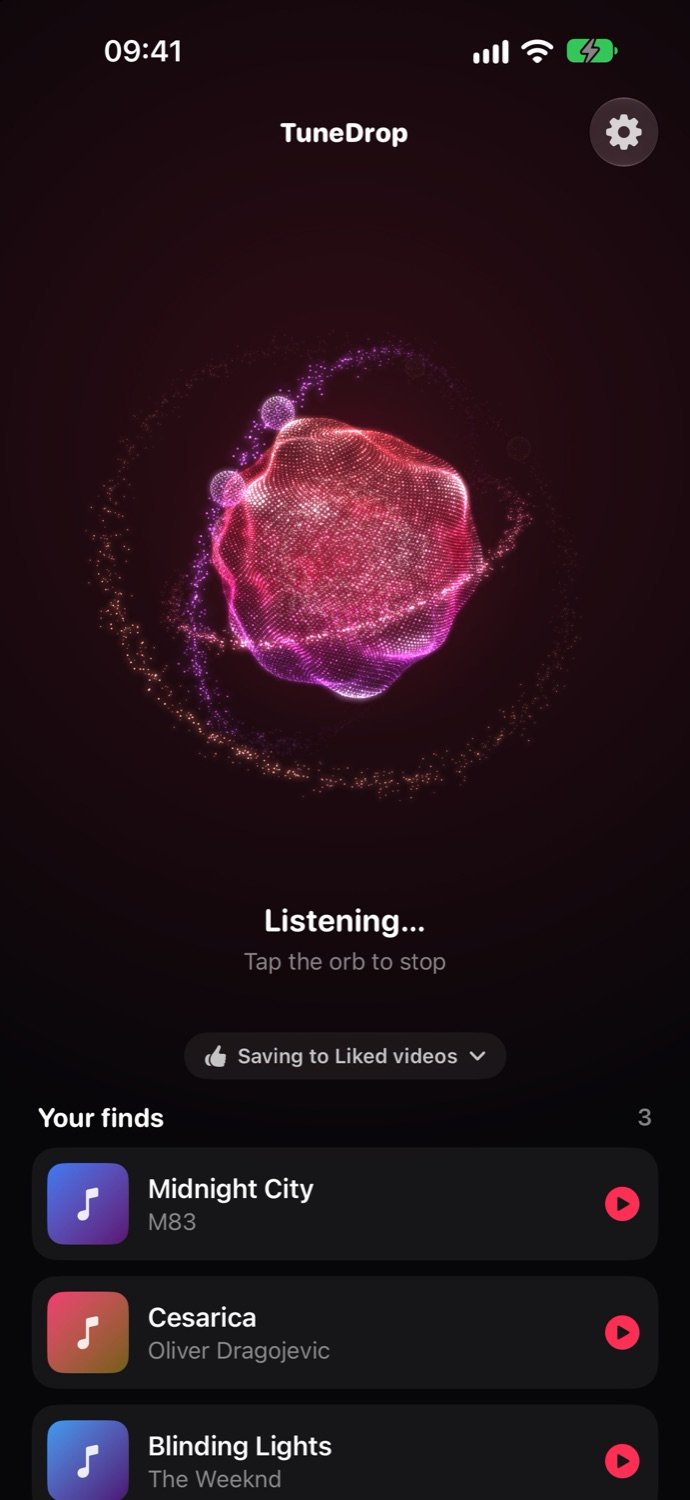
One tap. That's the whole app.
The song you just heard, already saved.
No typing lyrics into a search bar. No screenshots you forget about. The song is in your YouTube before it finishes playing.
Caught in seconds.
Tap the sphere. TuneDrop listens for a few seconds and names the song.
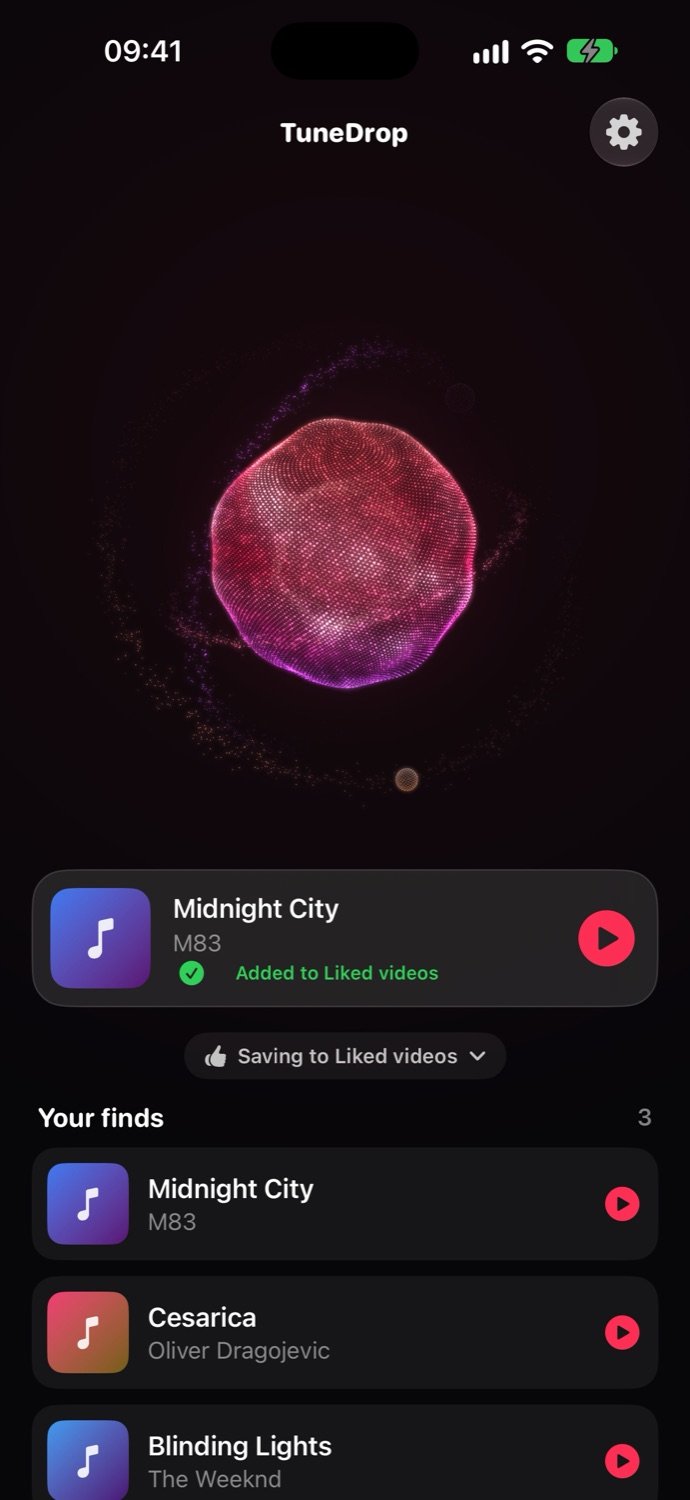
Liked videos, or the playlist you pick.
Choose where songs land. Use one of your playlists or create a new one inside the app.
Catch a song without opening the app.
Add the TuneDrop button to Control Center. One tap from anywhere and the Dynamic Island shows it working.
“Hey Siri, TuneDrop.”
Hands full? Just ask.
Everything you caught, in one list.
Tap a song to open it in YouTube. Swipe to remove it from the list.
Private by design.
No account with us. No ads. No tracking. The microphone is used only while TuneDrop is listening, and audio is never recorded or stored.
How it works.
Connect YouTube
Sign in once with the Google account you use for YouTube.
Tap when a song plays
In the app, from Control Center, or by asking Siri.
It's in your YouTube
The song is added to your Liked videos or your chosen playlist.
One price. Once.
Pay once and TuneDrop is yours. No subscription, no ads, nothing to cancel.
One-time purchase on the App Store. Price may vary by country.
- DeviceiPhone
- SoftwareiOS 18 or later
- AccountGoogle account with YouTube
- ConnectionInternet
What's next.
TuneDrop is finished and on its way to the App Store. Launch day will be announced on Instagram first.
Help.
It says “Didn't catch that”.
Hold the phone closer to the music and try again. Very quiet music, live performances and talking over the song make recognition harder.
Where do my songs go?
To your YouTube Liked videos by default. Open Settings (the gear) to choose one of your playlists or create a new one.
How do I add the Control Center button?
Swipe down from the top-right corner of your iPhone, tap +, choose Add a Control and search for TuneDrop.
How do I remove a song from the list?
Swipe left on it. This removes it from the list in TuneDrop only. It stays in your YouTube playlist.
How do I disconnect my YouTube account?
Settings › Disconnect YouTube. This removes TuneDrop's access to your account. You can also remove access at myaccount.google.com/permissions.
Does TuneDrop record me?
No. The microphone is used only while TuneDrop is listening for a song, and no audio is saved. Details are in the Privacy Policy.
How do I contact support?
Email info@savoir-faire.hr and we will get back to you.